
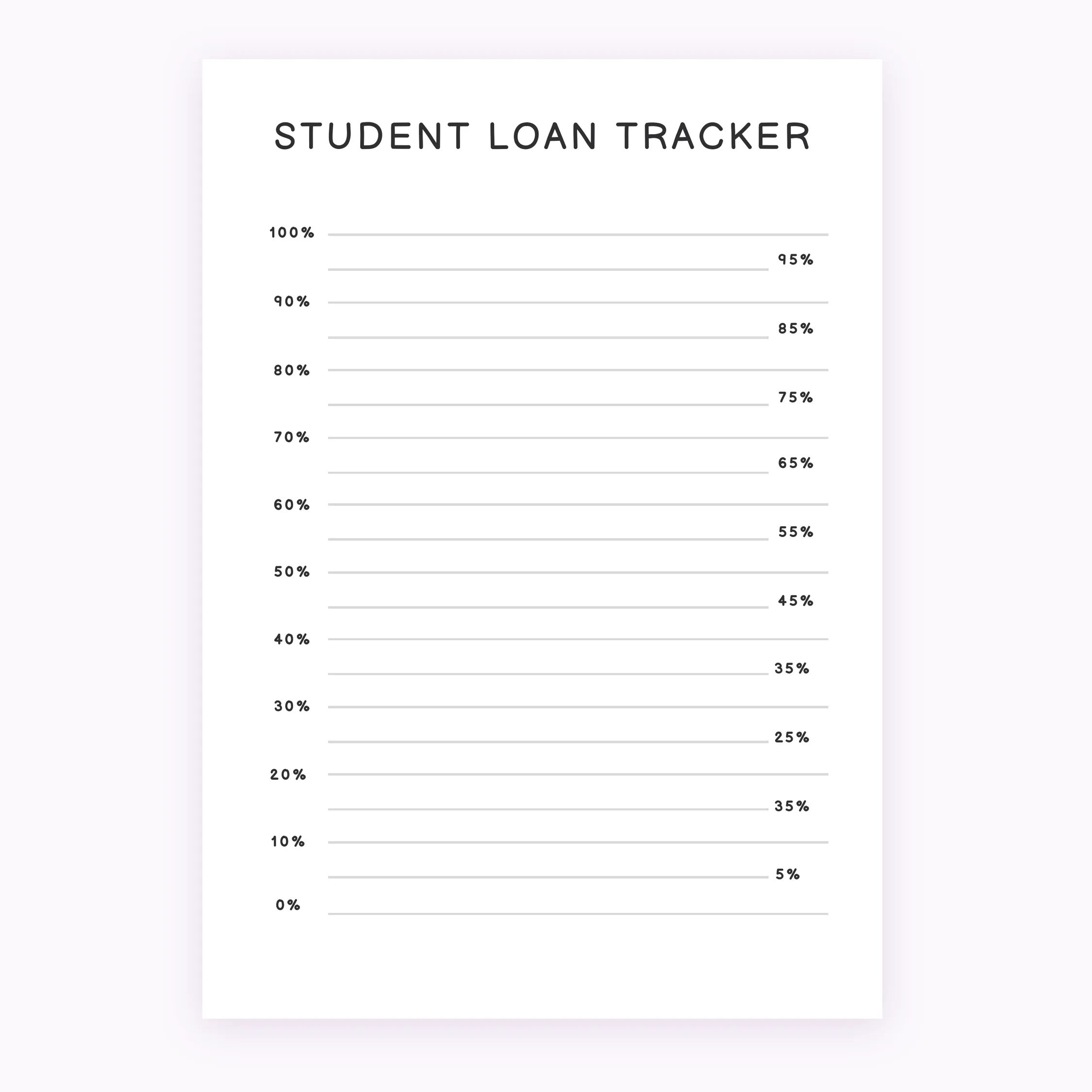
Student Loan Debt Tracker – Printable Financial Organizer
$1.00
Monitor your financial progress with this Student Loan Debt Tracker. This digital file includes A4 and A5 sizes for easy printing and personal organization.
Instant download. Compatible with GoodNotes, Notability & Xodo.
Managing educational debt requires a clear visual strategy to stay motivated and informed. This Student Loan Debt Tracker provides a structured way to monitor your balances, interest rates, and payment history in one organized place. By visualizing your progress, you can better manage your monthly budget and focus on your long-term financial goals.
This is a digital download. No physical product will be shipped to your address. Upon purchase, you will receive high-quality PDF files designed for immediate use.
What is included:
– Student Loan Debt Tracker in A4 size
– Student Loan Debt Tracker in A5 size
– High-resolution PDF format for crisp printing
This Printable Student Loan Tracker is perfect for personal finance binders, student planners, or home office organization. The clean, professional layout ensures that your data remains legible and easy to reference throughout your repayment journey.
Printing instructions:
1. Open the PDF file in your preferred viewer.
2. Select your desired size (A4 or A5).
3. Set your printer to 100% scale or Actual Size.
4. Print on your choice of paper and start tracking.
Important Information:
– This is a non-editable digital file.
– Due to the nature of digital products, all sales are final and non-refundable.
– Personal use only. No commercial redistribution or resale is permitted.
– Colors may vary slightly depending on monitor and printer settings.
How to download:
After payment is confirmed, your digital file will be available for download through your account dashboard. Simply save the Student Loan Payoff PDF to your device and print as many copies as you need for your personal financial tracking.
| 5 star | 0% | |
| 4 star | 0% | |
| 3 star | 0% | |
| 2 star | 0% | |
| 1 star | 0% |
How do I download after purchase?
- After completing your purchase, you’ll receive an instant download link on the order confirmation page and by email. Simply click the link to download your files to your device. You can re-download your files anytime from your account if you create one at checkout.
How to Print my A5 file?
- To print the A5 planner, open the PDF and select A5 paper size in your printer settings. For best results, make sure “Scale to Fit” is turned off and printing is set to 100% / Actual Size.
- If you are using standard sized printer paper (8.5″ x 11″) – adjust the scale to 100%, after printing you will have to cut the paper to make it the perfect size!
Do you offer refunds or exchanges for digital products?
- Due to the nature of digital products, all sales are final. Once a file has been downloaded, we’re unable to offer refunds or exchanges. If you experience any issues with your files, please contact us and we’ll be happy to help.