
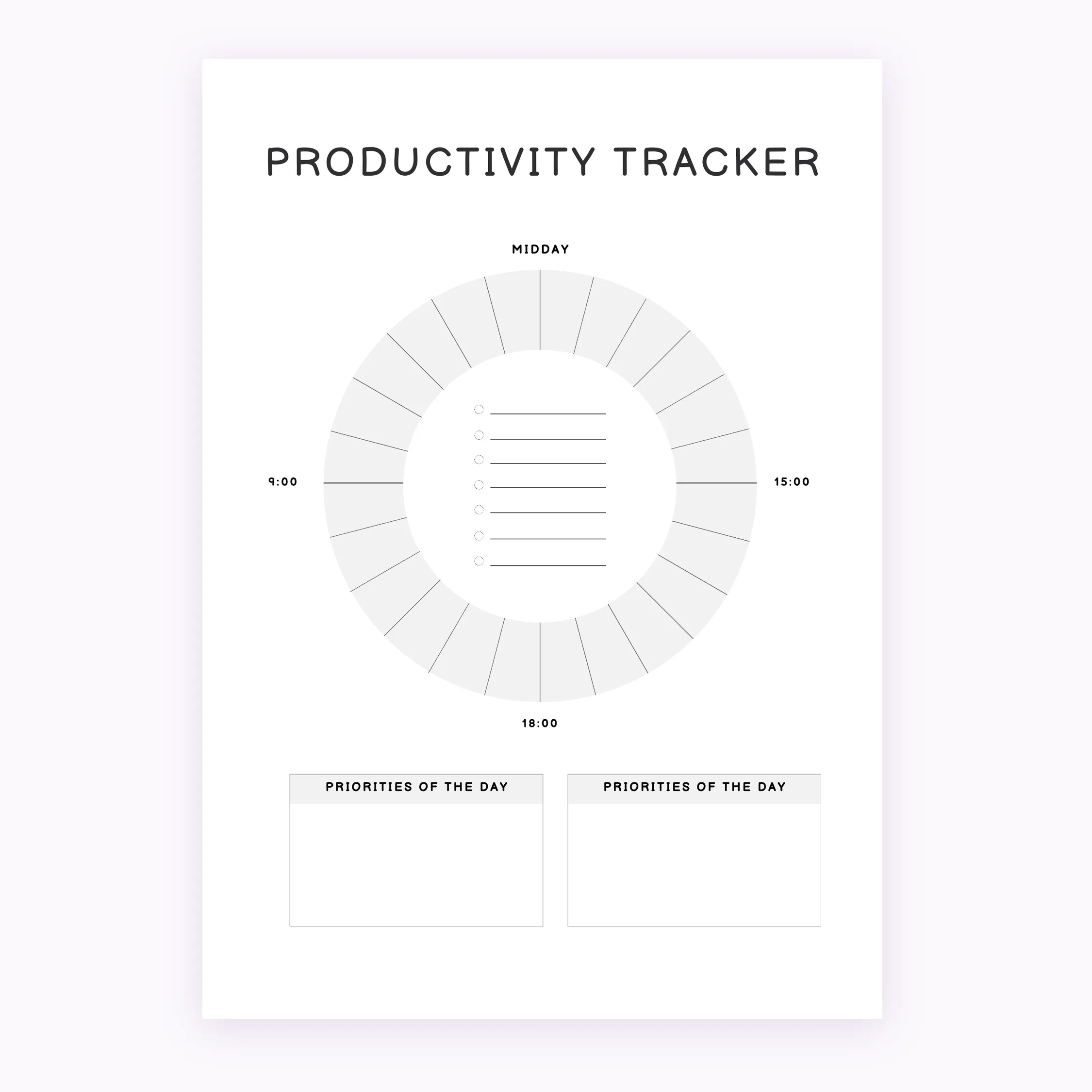
Daily Productivity Tracker – Task Tracker PDF | planner.download
$1.00
Optimize your workflow with the Daily Productivity Tracker, a clean and functional digital tool designed for daily organization. This minimalist planner printable helps you manage tasks efficiently across two standard sizes for immediate use.
Instant download. Compatible with GoodNotes, Notability & Xodo.
Manage your time with precision using our Daily Productivity Tracker. This professional digital tool is designed for individuals who value organization and clarity in their daily schedules. Whether you are managing a busy work day or organizing personal projects, this tracker provides a structured environment to list tasks and set priorities.
This is a digital download only; no physical item will be shipped to your address. Upon purchase, you will receive high-quality PDF files in both A4 and A5 sizes, ensuring compatibility with standard home printers and professional printing services. The clean, minimalist layout ensures that your focus remains on your tasks without unnecessary distractions.
This Daily Productivity Tracker is optimized for standard PDF readers and is perfect for placement in physical planners, on clipboards, or as standalone sheets. To use, simply open the file and print. For the best results, we recommend using high-quality paper stock. Please note that this file is non-editable to preserve the design integrity.
How to download: After your payment is processed, you will receive a link to download your files instantly through your account dashboard or email confirmation. Due to the digital nature of this product, all sales are final, and we cannot offer refunds or exchanges once the files have been downloaded. This product is for personal use only and may not be resold, redistributed, or used for commercial purposes.
| 5 star | 0% | |
| 4 star | 0% | |
| 3 star | 0% | |
| 2 star | 0% | |
| 1 star | 0% |
How do I download after purchase?
- After completing your purchase, you’ll receive an instant download link on the order confirmation page and by email. Simply click the link to download your files to your device. You can re-download your files anytime from your account if you create one at checkout.
How to Print my A5 file?
- To print the A5 planner, open the PDF and select A5 paper size in your printer settings. For best results, make sure “Scale to Fit” is turned off and printing is set to 100% / Actual Size.
- If you are using standard sized printer paper (8.5″ x 11″) – adjust the scale to 100%, after printing you will have to cut the paper to make it the perfect size!
Do you offer refunds or exchanges for digital products?
- Due to the nature of digital products, all sales are final. Once a file has been downloaded, we’re unable to offer refunds or exchanges. If you experience any issues with your files, please contact us and we’ll be happy to help.